

If you’ve ever worked in Excel, you know the pain:
Formulas get messy. They break. They’re hard to read. And most of the time, you just need a simple link from one number to another — without the chaos.
With Splinde’s new Referencing Feature, you can forget about complicated formulas and focus on what really matters: your budget.
From Chaos to Clarity
Instead of writing =B12 or trying to remember what a cryptic formula means, Splinde makes referencing visual and intuitive.
Here’s how it works:
Click into the field where you want the value.
Click
@Instantly see a list of all available variables, complete with clear names and current values.
Example: Need to base a cost item on your Project Days?
Select it from the list — and it’s linked.
Always Know Where Your Numbers Come From
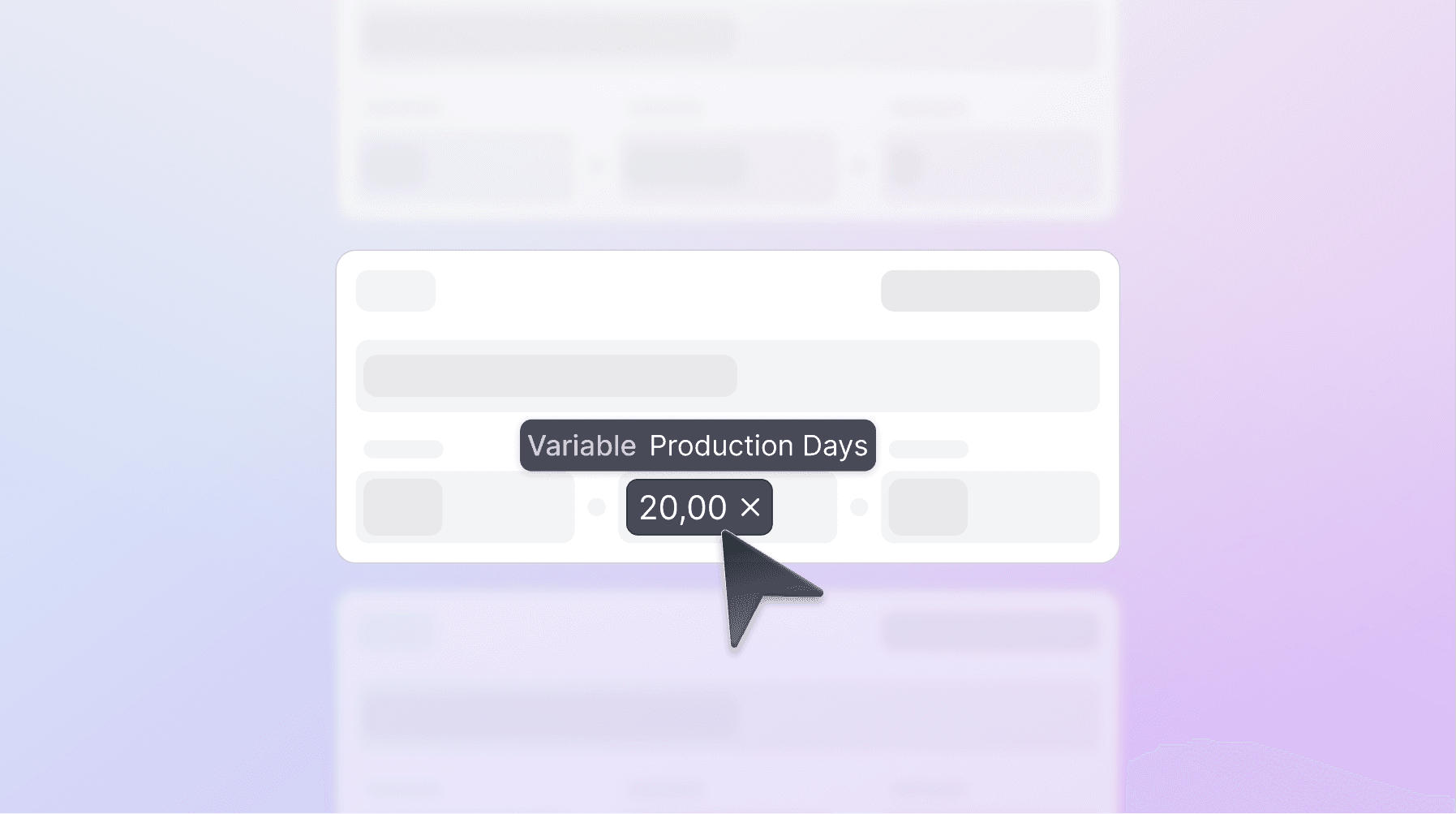
Referenced values in Splinde are easy to spot.
Numbers you type in and numbers you reference are visually different.
Hover over a reference to see exactly where it comes from.
No digging through a maze of formulas.
Reference Anything — Even Other Cost Items
It’s not just variables.
You can also reference values from other cost items in your calculation.
For Example:
Want to calculate usage rights for an actor based on their salary?
Just type @, navigate to Cost Items, select the salary and you’re done.
Your budgets stay dynamic, accurate, and easy to understand.
Splinde puts you in control.
No more spreadsheet chaos. No more broken formulas. Just clarity.
" width="14.000000299020257px"><path d="M 0 2.652 L 1.365 4.212 L 3.2 5.385 L 3.52 2.662 L 3.2 0 L 1.329 1.03 Z" fill="rgb(0, 131, 45)" height="5.384981000453159px" id="SudOce0vk" transform="translate(7.92 3.107)" width="3.5195954251328203px"/><path d="M 0 0.48 L 0 2.8 C 0 3.33 0.43 3.76 0.96 3.76 L 3.28 3.76 L 3.76 2.006 L 3.28 0.48 L 1.688 0 Z" fill="rgb(0, 102, 218)" height="3.7595678404828874px" id="ptqOLp7eZ" transform="translate(0 7.758)" width="3.7595678404827595px"/><path d="M 3.28 0 L 0 3.28 L 1.688 3.76 L 3.28 3.28 L 3.752 1.774 Z" fill="rgb(233, 66, 53)" height="3.7595678404827595px" id="WJAuODGl2" width="3.7515687599711782px"/><path d="M 3.28 0 L 0 0 L 0 4.959 L 3.28 4.959 Z" fill="rgb(38, 132, 252)" height="4.959429917232605px" id="qovcPZtCe" transform="translate(0 3.279)" width="3.279623009782881px"/><path d="M 9.935 0.11 L 7.839 1.828 L 7.839 7.213 L 9.944 8.939 C 10.26 9.186 10.72 8.961 10.72 8.56 L 10.72 0.481 C 10.72 0.075 10.249 -0.147 9.935 0.11 Z M 4.639 4.48 L 4.639 6.96 L 0 6.96 L 0 10.24 L 6.879 10.24 C 7.41 10.24 7.839 9.81 7.839 9.28 L 7.839 7.213 Z" fill="rgb(0, 172, 71)" height="10.239776677658213px" id="N0Tu670pH" transform="translate(3.28 1.279)" width="10.72037917475268px"/><path d="M 6.879 0 L 0 0 L 0 3.28 L 4.639 3.28 L 4.639 5.759 L 7.839 3.108 L 7.839 0.96 C 7.839 0.43 7.41 0 6.879 0 Z" fill="rgb(255, 186, 0)" height="5.759337968399116px" id="DgEWgdbIb" transform="translate(3.279 0)" width="7.83909890143218px"/></g></svg>)